Contents
Distributing, monitoring and recording audio signals from sonobuoy radio receivers
There are three ways to distribute audio signals from the radio receivers.
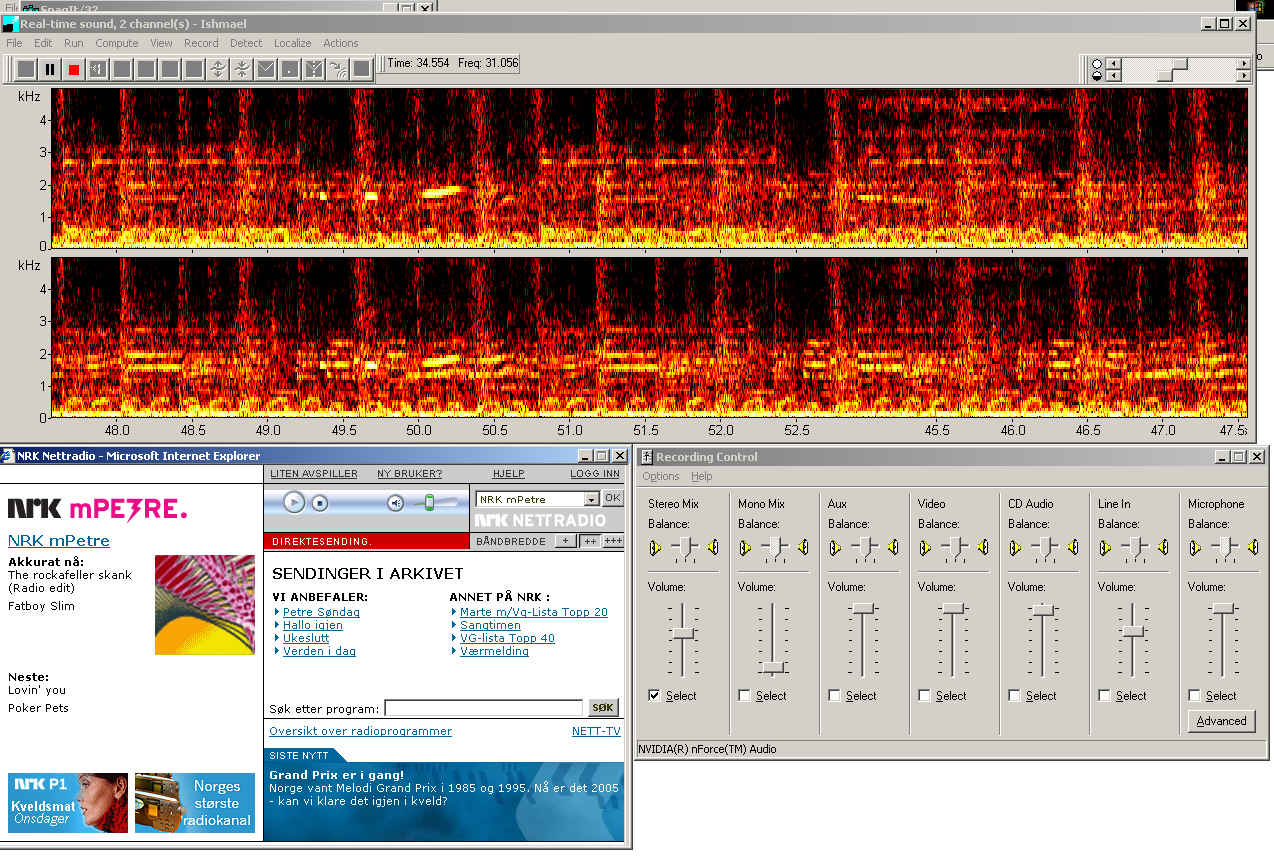
Three audio analyzing programs are mentioned here; Ishmael and Syrinx for Windows, and Baudline for Linux. Marine Mammal scientists often use Ishmael, written by Dave Mellinger at NOAA, to analyze and record sounds of interest. Besides operating Ishmael in a continuos monitoring mode, you can also set recording trigger conditions based on both energy content of the signal and correlations with known signals. There is also beam forming feature that can be useful if you have two hydrophones. The crucial point is that the sound channels that Ishmael uses as inputs is determined by the recording mixer settings on your computer - so you can use a microphone connected to the PC sound card, or the streaming audio that is received from a net radio.
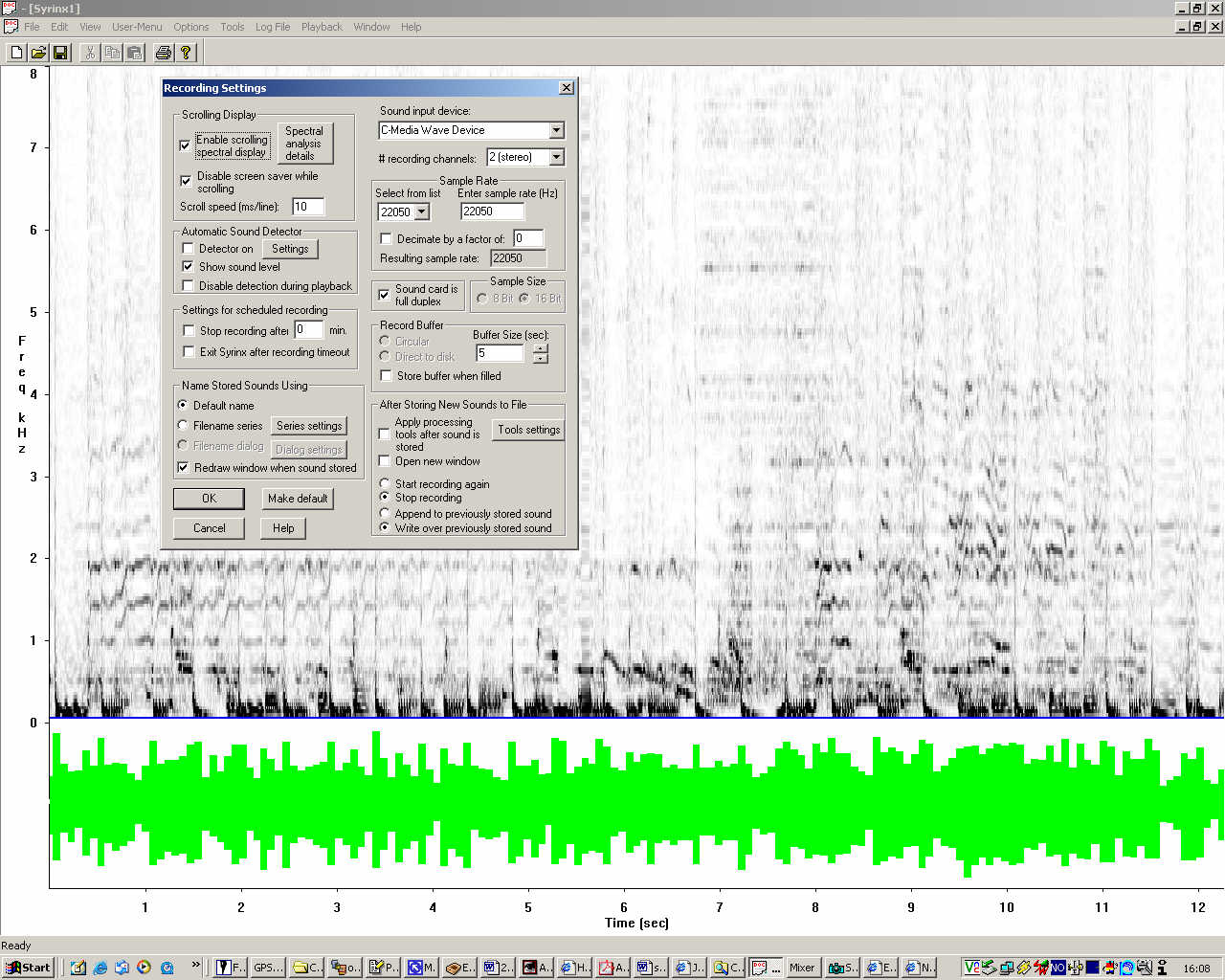
Screenshot of Ishmael, monitoring audio received from a net radio station (click to enlarge). Notice the recording mixer setting. An alternative is Syrinx, written by John Burt, a Windows program for spectral analysis, editing, and playback of acoustic signals, but not directly targeting marine mammals, as Ishmael seems to be. Here's a screenshot:
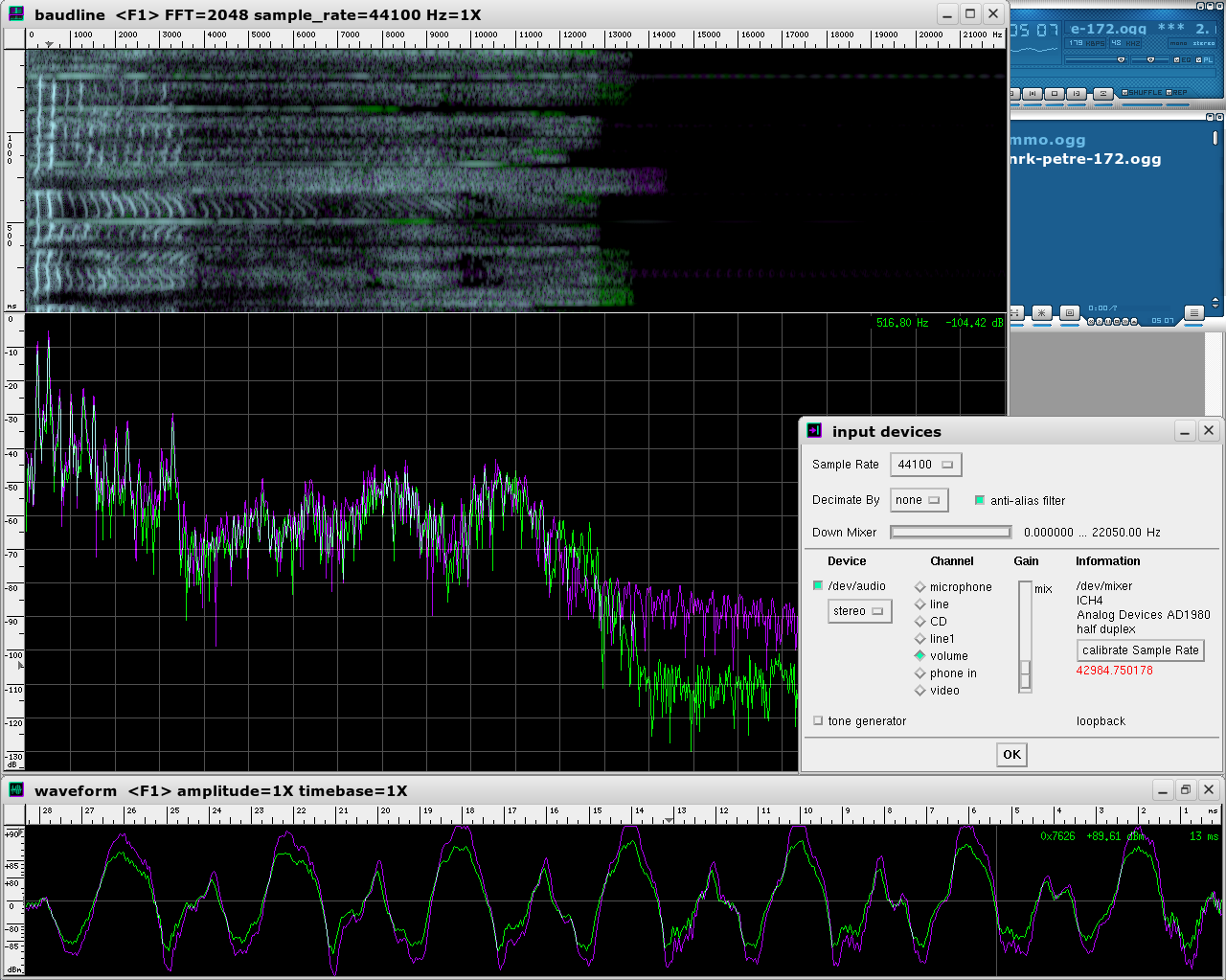
Screenshot of Syrinx, also monitoring audio received from a net radio station (click to enlarge). A Linux option is a program called Baudline. A screenshot showing Baudline, it's Input Devices selection window and a streaming net radio window is shown below. Baudline is easy to install: Download tgz file, untar, enter Baudline directory and execute the program by writing ./baudline. Use a Linux mixer program (like KMix) to select proper source, in combination with Baudline's own Input Source select window (righ click main window to access it). To record data with Baudline, right click the main window, then select Output > Play deck.
Screenshot of Baudline (click to enlarge). Thanks to Jason Gedamke, Univ. of California, Santa Cruz, for providing information on Ishmael and Syrinx. Installation and configuration of streaming audio server
Marine Mammals Observation
Seismic sources: Impact on marine lifeThe following documents are stored on IFG web server:
Pressure outputs from Sercel (Sodera) airguns, ref.: G. GUN, The Recoilless Air gun, Sercel (Sodera). Page numbers are with reference to this document.
|
|||||||||||||||||
|
University of Bergen |